Learn deployment patterns by controlling traffic distribution between versions. Visualize Blue/Green, Canary, and Rolling strategies.
Deployment Simulator
Blue/Green Strategy:Blue/Green deployment reduces downtime and risk by running two identical production environments called Blue and Green. At any time, only one of the environments is live, serving all production traffic.
Users
Ingress
v1100%
v20%
Production (Blue)
Staging (Green)
Visual Guide
v1Current Version (Stable)
v2New Version (Deploying/Live)
Network Traffic Flow
How to use
1. Select a Strategy from the dropdown. 2. Click Deploy v2 to start the process. 3. For Canary and Blue/Green, use the sliders/buttons to manually control the traffic shift to 100%. 4. Observe how the Ingress router splits traffic between v1 and v2 environments.
Quick Guide: Deployment Strategies
Understanding the basics in 30 seconds
How It Works
Blue/Green: Run 2 environments, switch traffic instantly
Canary: Route small % to new version first
Rolling: Replace pods one by one gradually
Health checks validate new version
Rollback if errors detected
Key Benefits
Zero-downtime deployments
Easy rollback on failures
Risk mitigation with gradual rollout
A/B testing capability
Production testing with real traffic
Real-World Uses
Netflix, Spotify: Canary releases
Kubernetes: Rolling update default
AWS CodeDeploy: Blue/Green
Feature flags: Progressive delivery
Banks: Risk-averse rollouts
Zero-Downtime Deployment Strategies
How tech giants deploy code multiple times per day without interrupting users.
Blue/Green Deployment
Run two identical environments. Switch traffic instantly. If something breaks, switch back in seconds.
Netflix: Uses this for major releases
AWS: Native support via CodeDeploy
Cost: 2x infrastructure during deploy
Canary Releases
Test on 1-5% of real traffic first. Monitor error rates. Gradually increase if healthy.
Spotify: Tests on specific user segments
Google: "Canarying" before global rollout
Metrics: p99 latency, error rate, conversions
Feature Flags + Deployment
Deploy code but keep features hidden behind flags. Separate "deployment" from "release". This is how Facebook deploys dark features to production weeks before users see them - enabling instant rollback without redeploy.
Choosing the Right Deployment Strategy
Blue/Green Deployment
Run two identical environments. Blue is live, Green is staging. When Green is ready, switch all traffic instantly.
Trade-offs
✓ Instant rollback (just switch back to Blue)
✓ Zero downtime, zero risk during switch
✗ Requires 2x infrastructure cost
✗ Database migrations can be tricky
Canary Deployment
Release to a small subset of users first (e.g., 5%). Monitor for errors. Gradually increase if stable.
✓ Advantages
Real production testing. Limit blast radius. Data-driven rollout decisions.
✗ Challenges
Needs good monitoring. Multiple versions running = complexity. Slow full rollout.
Rolling Update
Replace instances one at a time. Kubernetes default. No extra infrastructure needed.
maxUnavailable: How many pods can be down simultaneously
maxSurge: How many extra pods can exist during update
minReadySeconds: Wait time before marking pod as ready
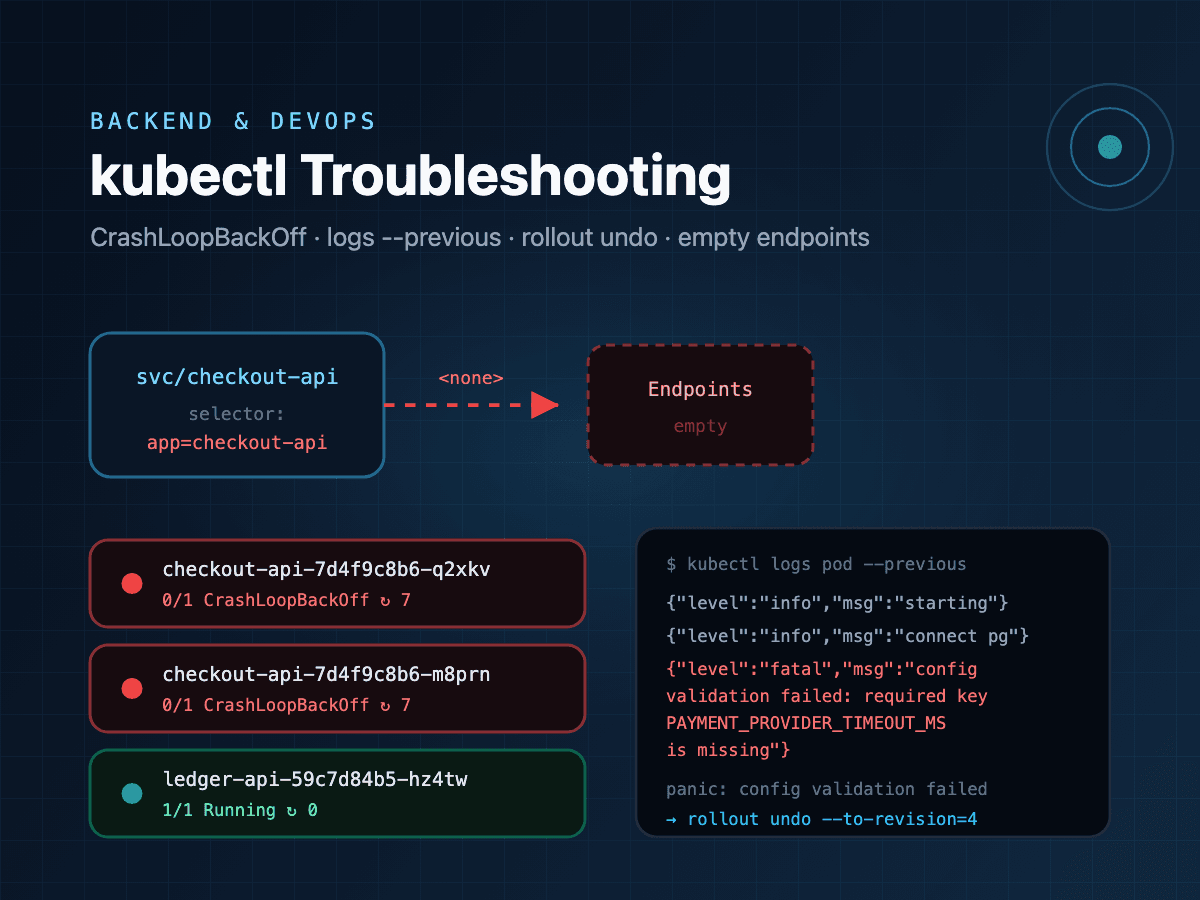
💡 Pro Tip: Use kubectl rollout undo deployment/myapp for instant rollback in Kubernetes